
Project Summary
HourWise is a time tracking and timesheet production web app I designed and developed for freelancers who need a simple, reliable way to see where their time goes. Built in January 2026, the application helps users track work by client, project, and category, then review, edit, and export that data for billing, reporting, and analysis.
The project began as a practical solution for my own freelance workflow. I wanted a lightweight tool that could handle real client work without the friction of a larger project management platform. HourWise was built around that need. It gives freelancers a focused place to start and stop timers, organize billable and non-billable work, manage clients and projects, and turn daily work activity into useful business data.
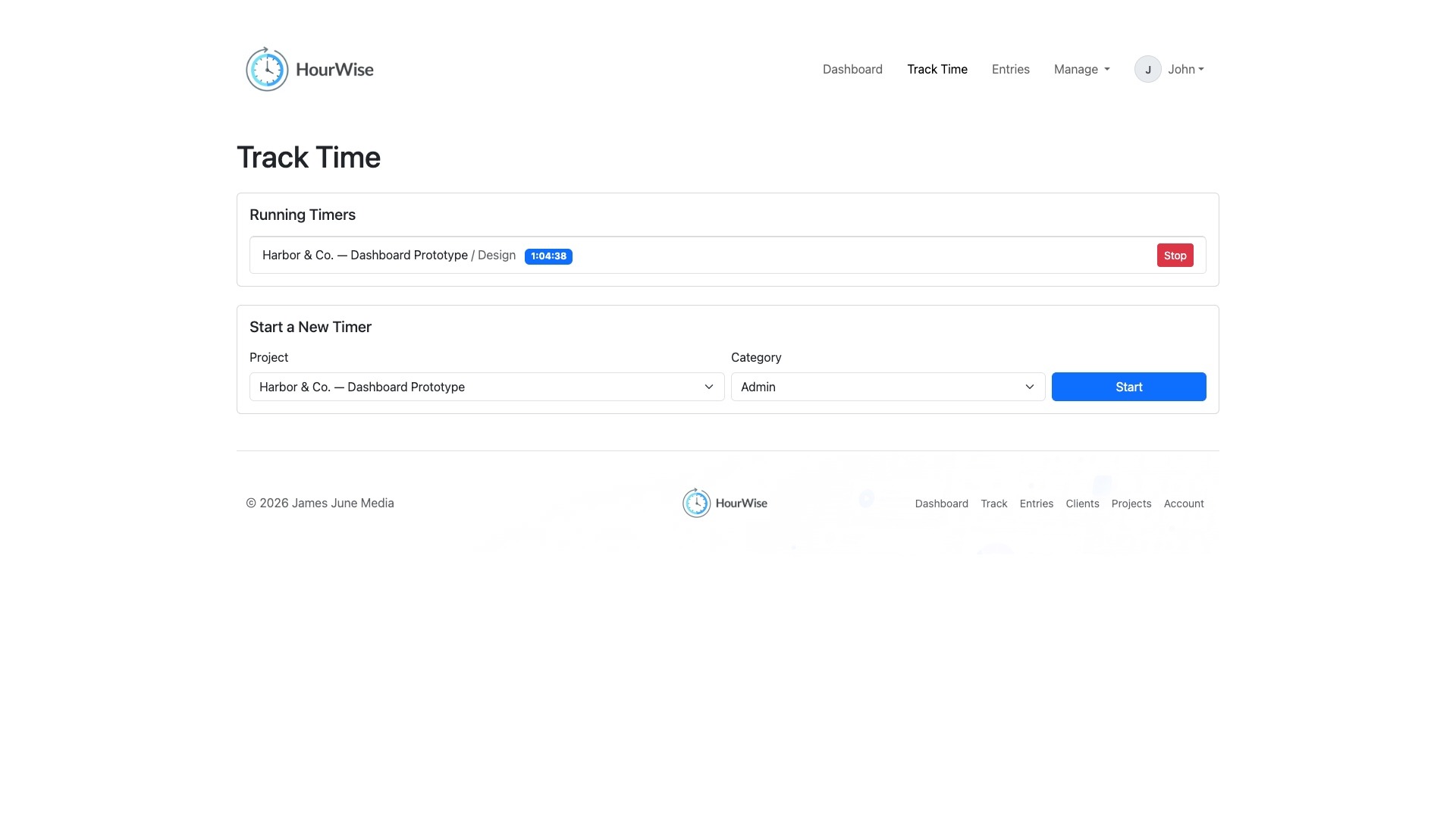
One of the core technical challenges was persistent timer tracking. When a user starts a timer, HourWise stores the start timestamp in the database. If the user logs out, closes the browser, or returns later from another session, the interface compares the current time to the stored timestamp and displays the correct running duration. This allows active timers to remain accurate without depending only on browser state.
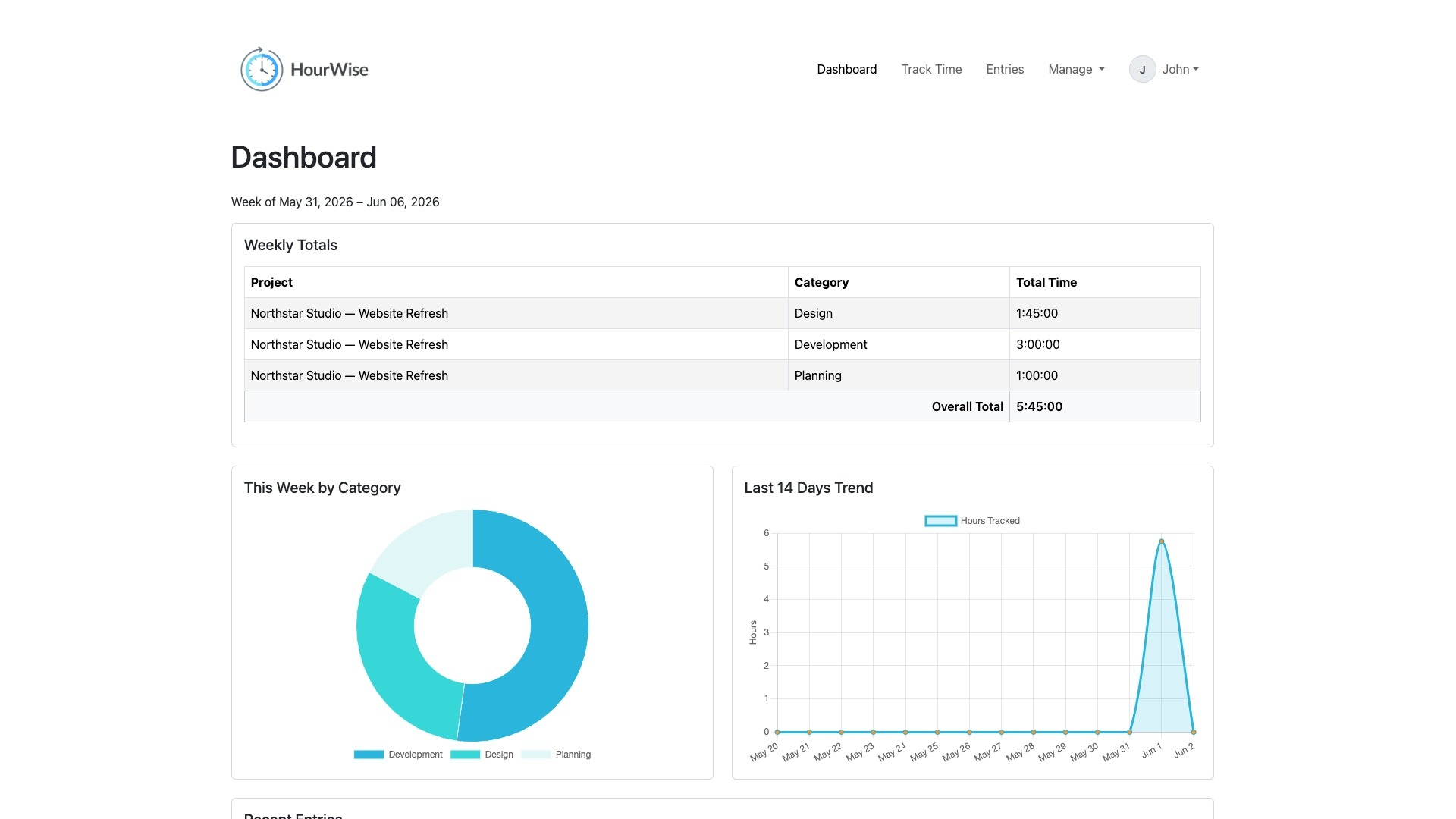
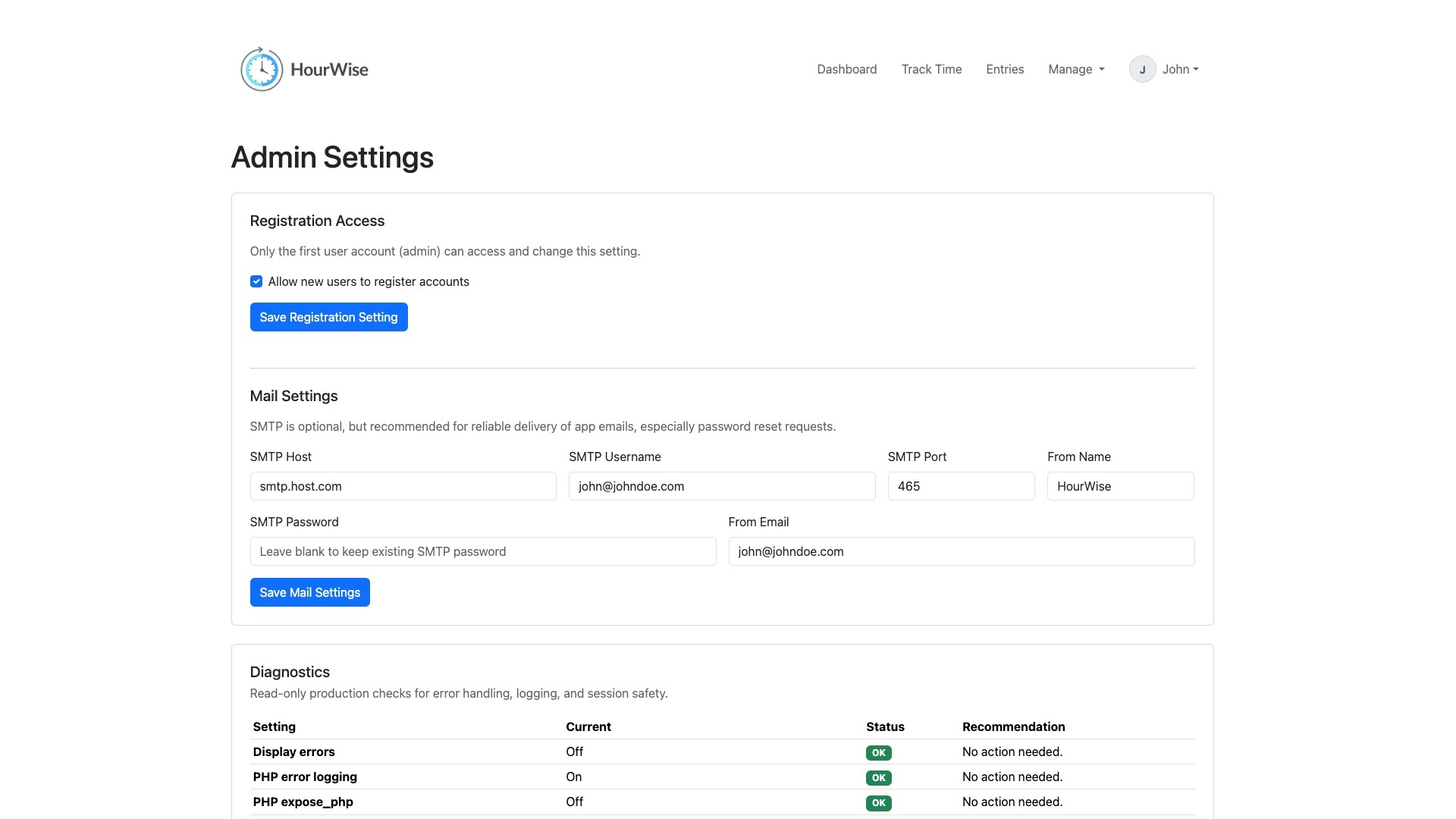
Beyond the timer itself, HourWise includes dashboard summaries, charts, editable time entries, CSV export, account management, avatar uploads, per-user timezone support, password reset, email verification, optional two-factor authentication, and administrative controls for SMTP configuration, registration access, and diagnostics. The result is a small but capable web app built for freelancers who want clearer insight into their work hours, client load, and time distribution.
HourWise reflects my broader interest in building practical software for creative professionals. It connects everyday freelance operations with useful data, helping users understand their time, document their work, and make better decisions about the value of their hours.
Technical Overview
HourWise was built as a plain PHP and MySQL application without a larger framework. I wanted the codebase to remain portable, understandable, and easy to deploy on standard shared or VPS hosting environments.
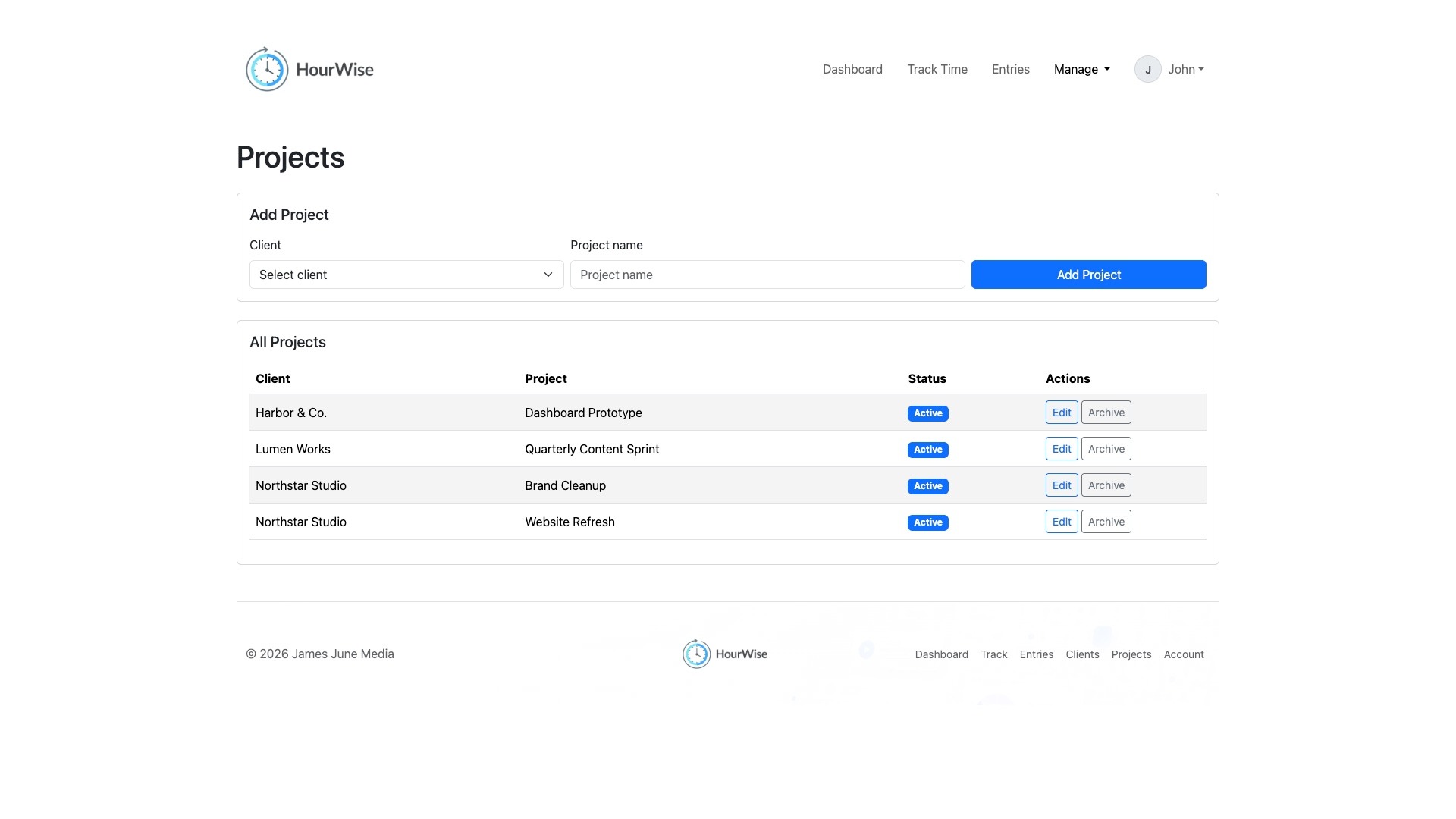
The app uses PHP with PDO for database access, Bootstrap 5 for the interface, Font Awesome for icons, Chart.js for dashboard visualizations, and QRCode.js for two-factor authentication setup. Core application files handle middleware, configuration, session bootstrapping, database connection, authentication, helpers, account management, admin settings, client/project/category CRUD, timer tracking, entry editing, CSV export, setup, and migrations.
The data model includes users, clients, projects, work categories, time records, password reset tokens, email verification tokens, two-factor authentication records, and authentication rate limits. Per-user timezone handling is centralized through helper functions so entries and dashboard views can be displayed consistently for each account.
Key Features
- User registration, login, logout, email verification, and password reset
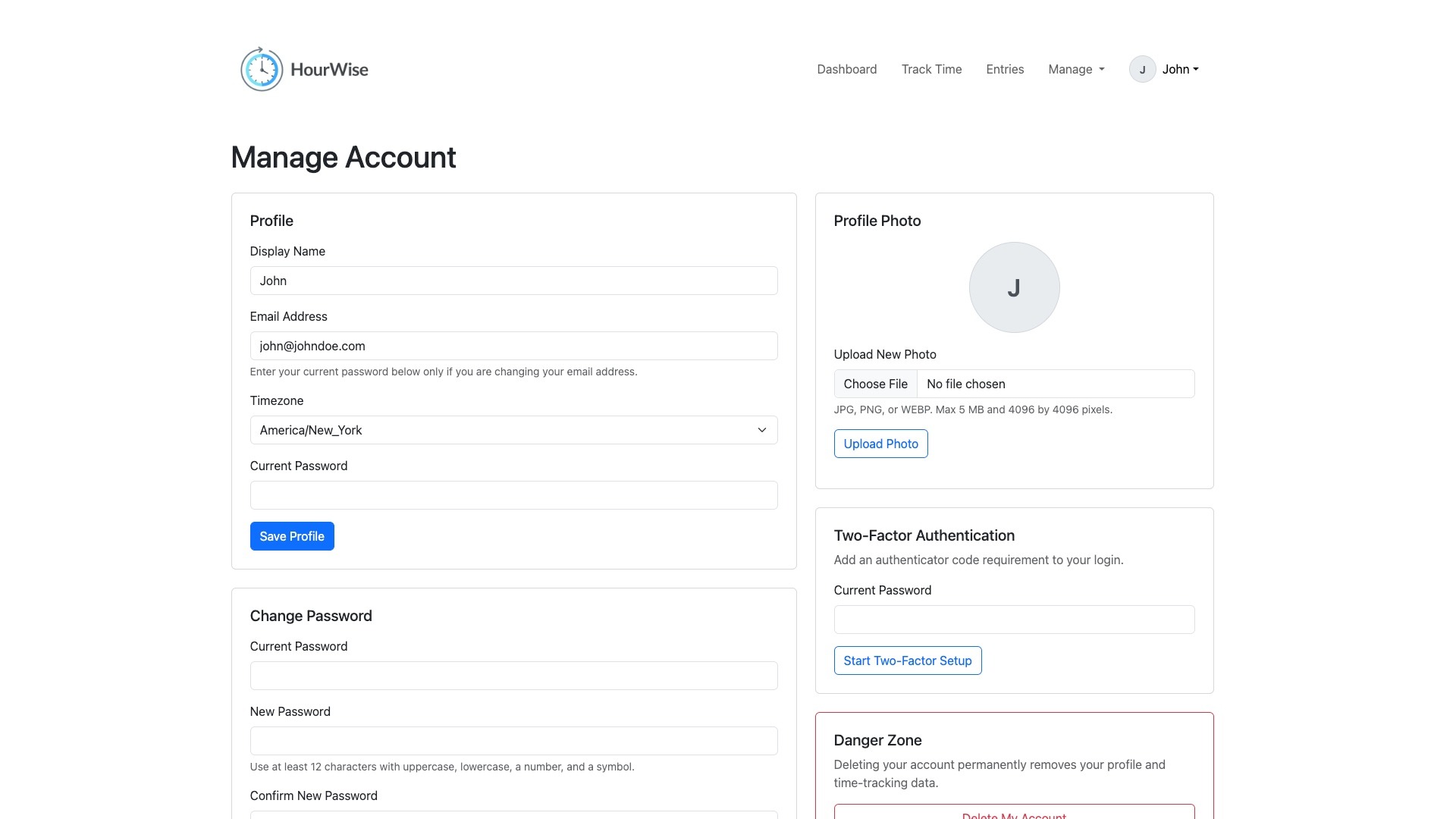
- Optional two-factor authentication with recovery codes
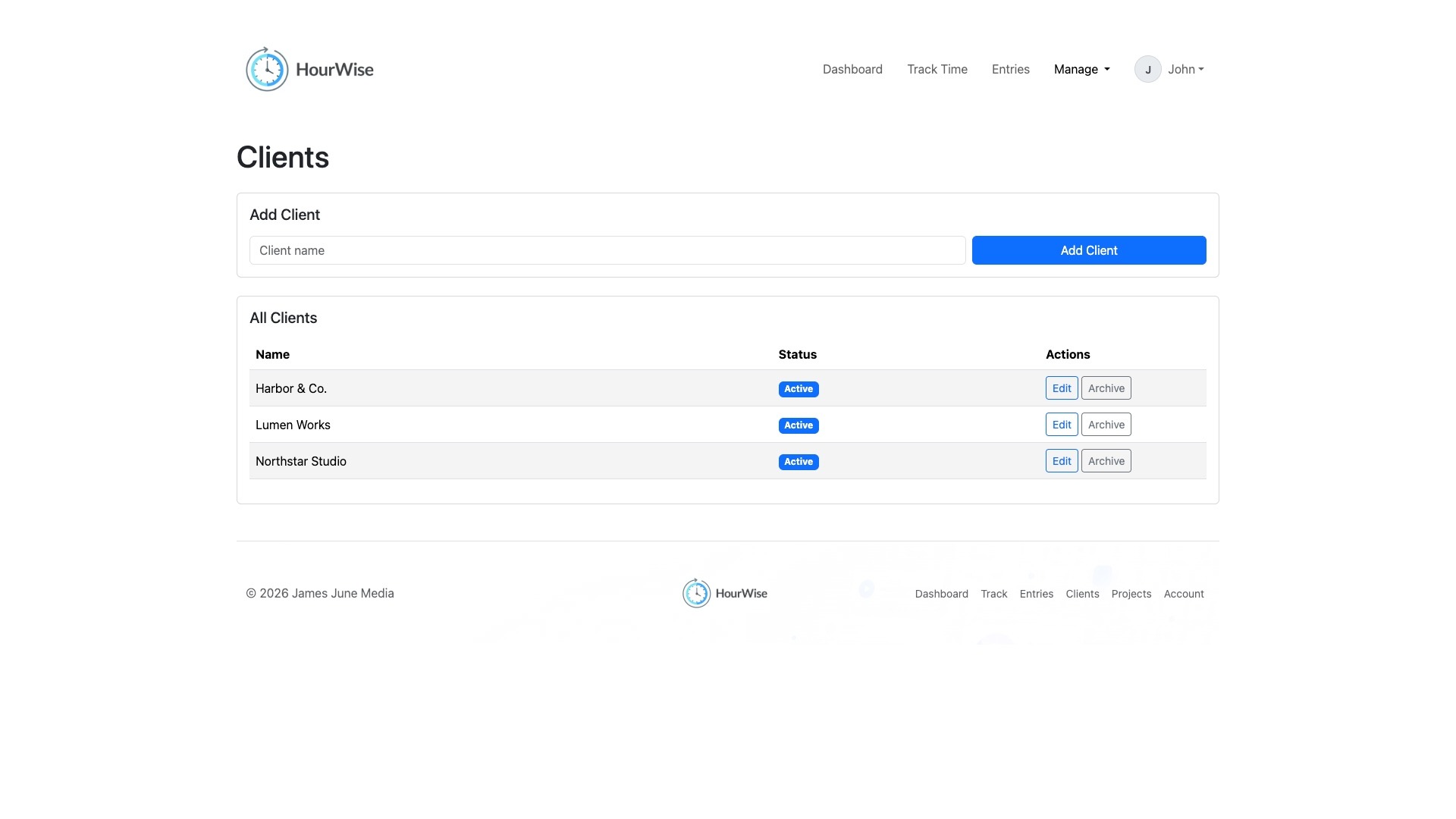
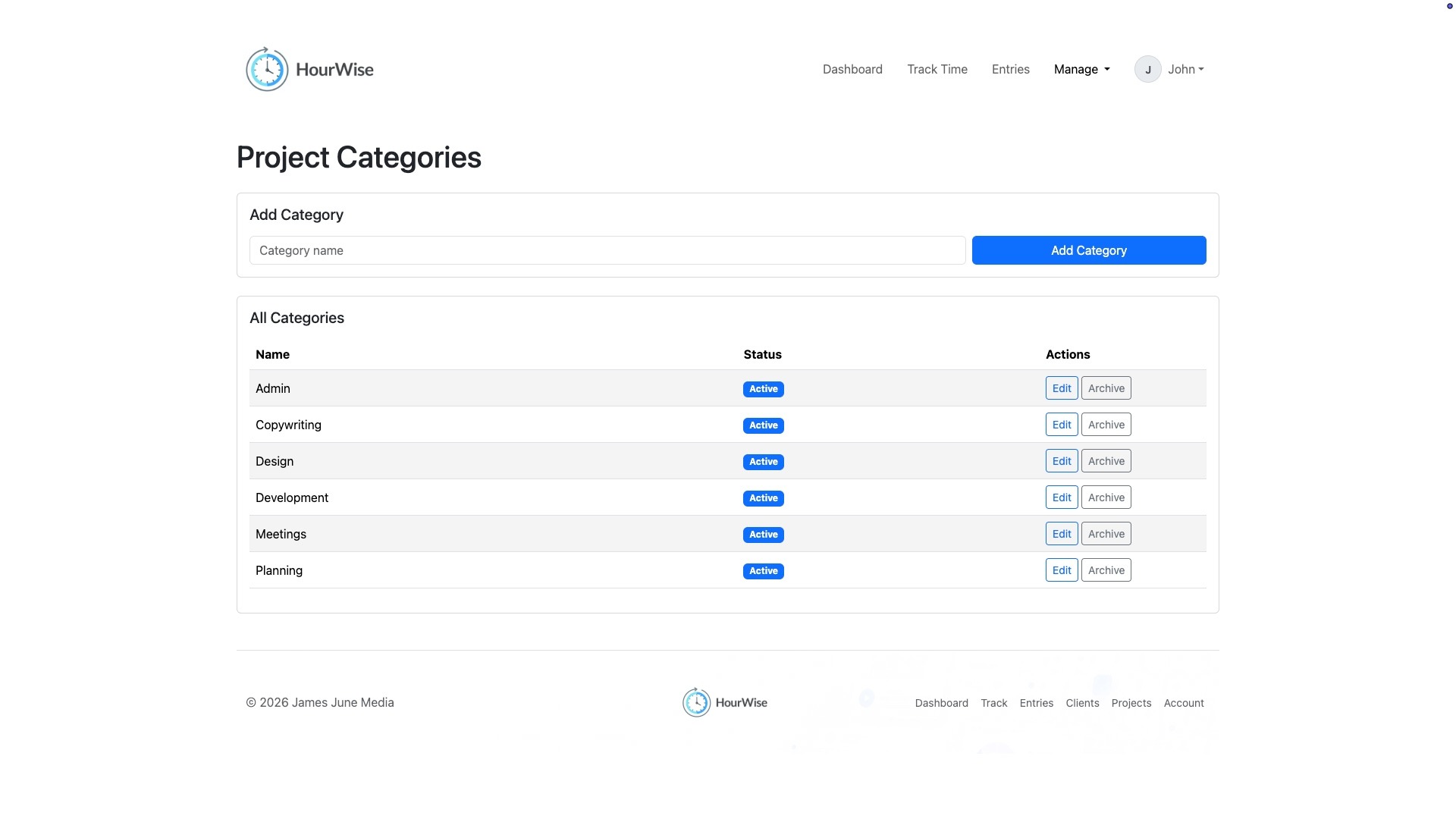
- Client, project, and work category management
- Start and stop timers with persistent database-backed tracking
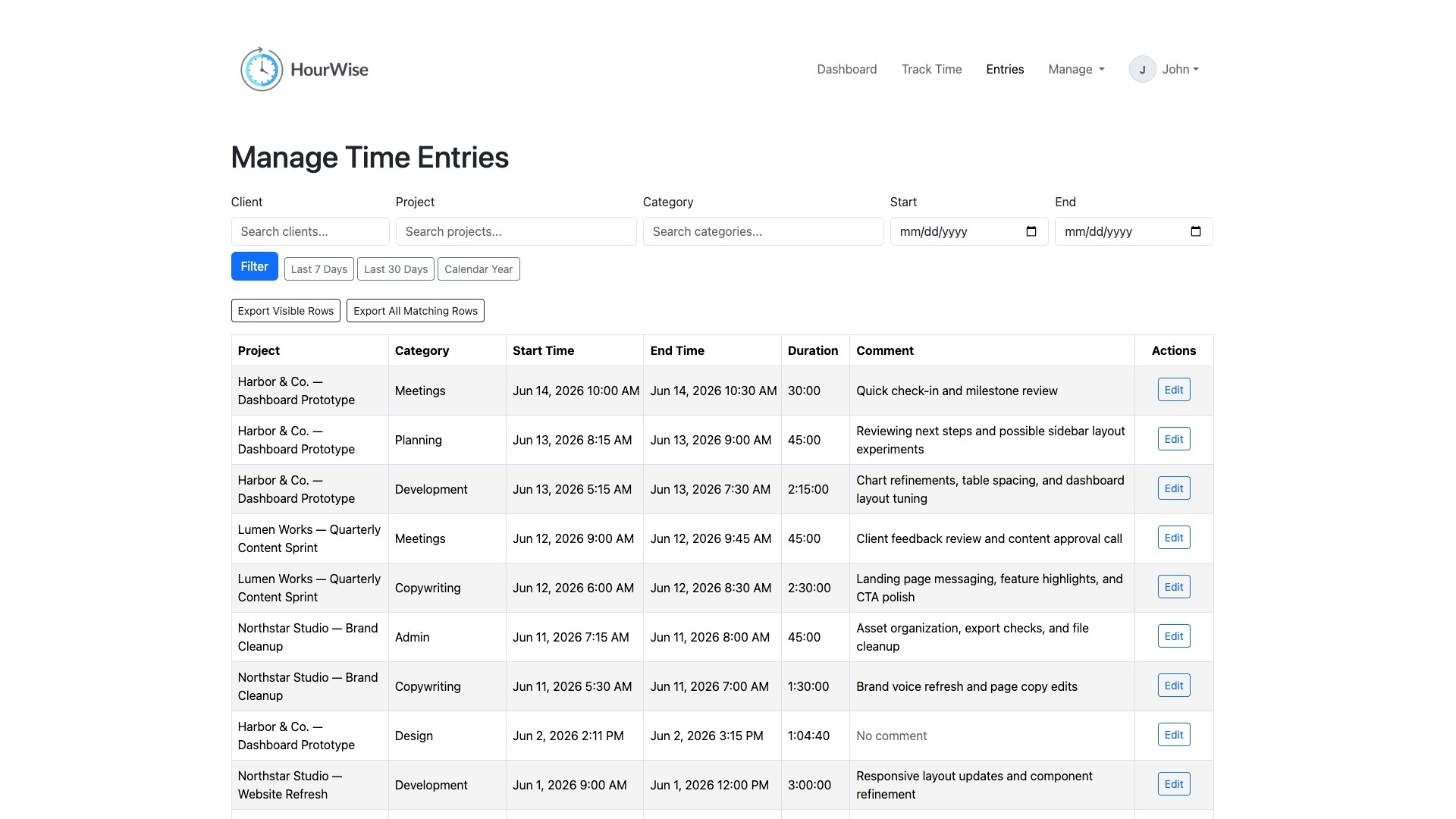
- Editable time entries with filtering and CSV export
- Dashboard summaries with charts and weekly totals
- Account settings with profile, avatar, password, timezone, and account deletion options
- Admin-only settings for SMTP configuration, registration access, and diagnostics
- First-run browser setup for database settings, app settings, migrations, SMTP, and initial admin creation
Security and Operations
HourWise was developed with security and deployment hygiene in mind. Sensitive credentials are loaded from external secret files outside the web root rather than being hardcoded in the repository. State-changing form actions use CSRF protection, authentication flows include database-backed throttling, and password reset and email verification tokens are stored as hashes.
The app also rotates session IDs and CSRF tokens after sensitive authentication and account events, supports secure session cookie settings, validates avatar uploads, blocks script execution in upload directories, and writes application and audit logs outside the public web root.
These choices helped turn the project from a personal utility into a more complete software product with stronger foundations for real-world use.
Related Projects

ShotCue AI
2026
Structured AI Video Generation Tool
UX/UI Design, Web Development
Frequency
2026
Phaser Game
Game Development, Producer, Product Design, Sound Design, Visual Design

Factor Commercials
2026
Ernie Clement Campaign
Production Sound

Accounting Hub
2025
Custom Finance Dashboard for Freelancers
Product Design, UX/UI Design, Web Development

Moodara
2025
Privacy-First Mood Tracking App
Product Design, UX/UI Design, Web Development

Forum Groningen’s Disney: Telling Timeless Stories
2023
Museum Exhibition
Production Sound, Voiceover
Rebirth
2022
Algorithmic Music
Algorithmic Composition, Music Composition, Sound Design
Microsoft Edge Awareness Campaign
2022
LinkedIn Video and Static Ads
Audio Production, Producer, Sound Design, Visual Design, Voiceover