
Project Summary
ShotCue AI is an AI video generation workspace built to solve one of the biggest problems in generative video production—continuity across shots and iterations. General-purpose chat interfaces are useful for prompting and exploration, but production context is easy to lose as conversations are compacted, restarted, or split across sessions. ShotCue AI solves that by storing context as structured production data—characters, reference images, voice samples, locations, scene objects, reference assets, and shot-level direction. Those elements can be attached to a specific shot, assembled into a structured render payload, and sent through the Kie API to supported video generation models, giving the system the context it needs to produce more consistent results across multiple shots and revisions.
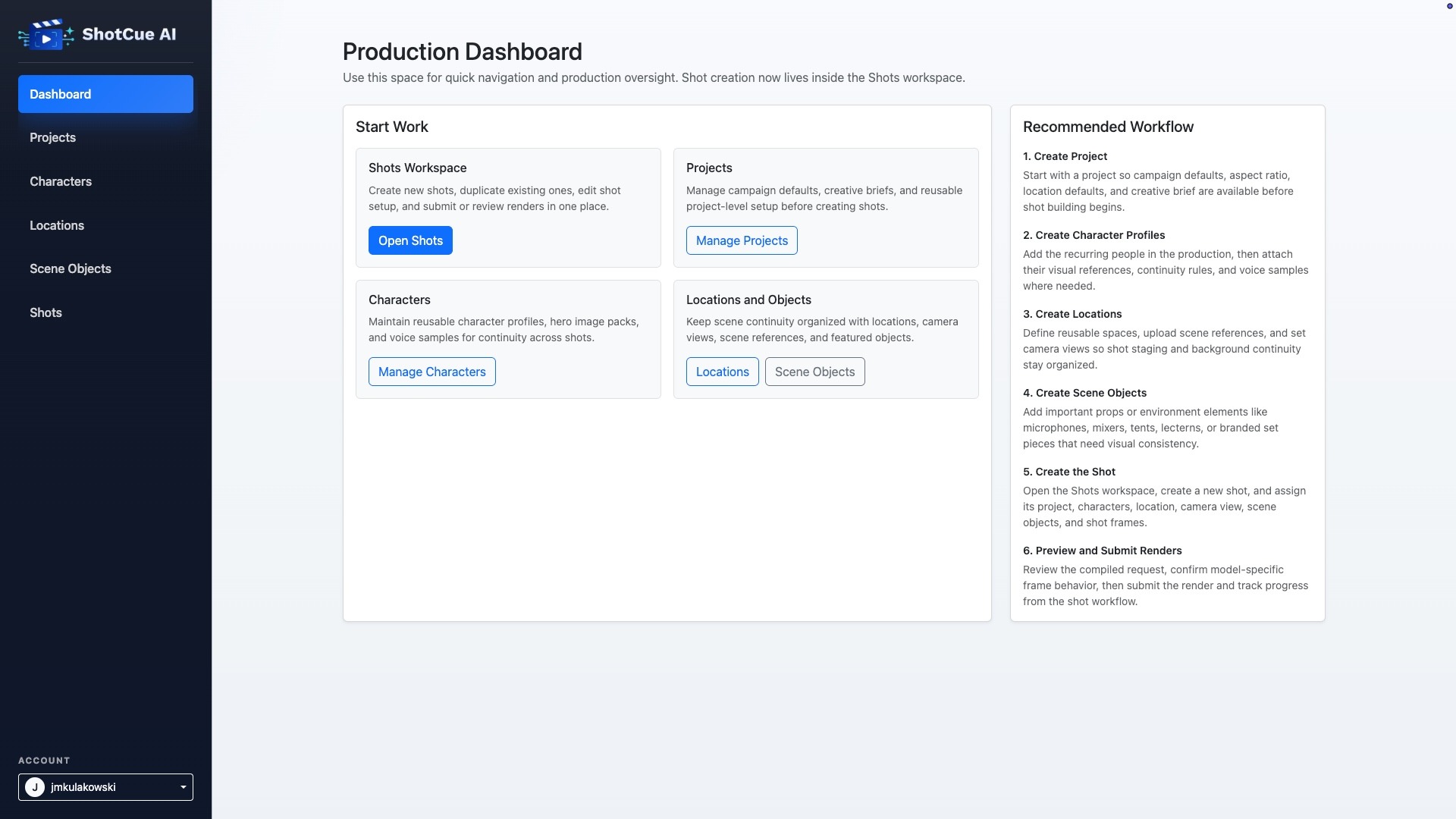
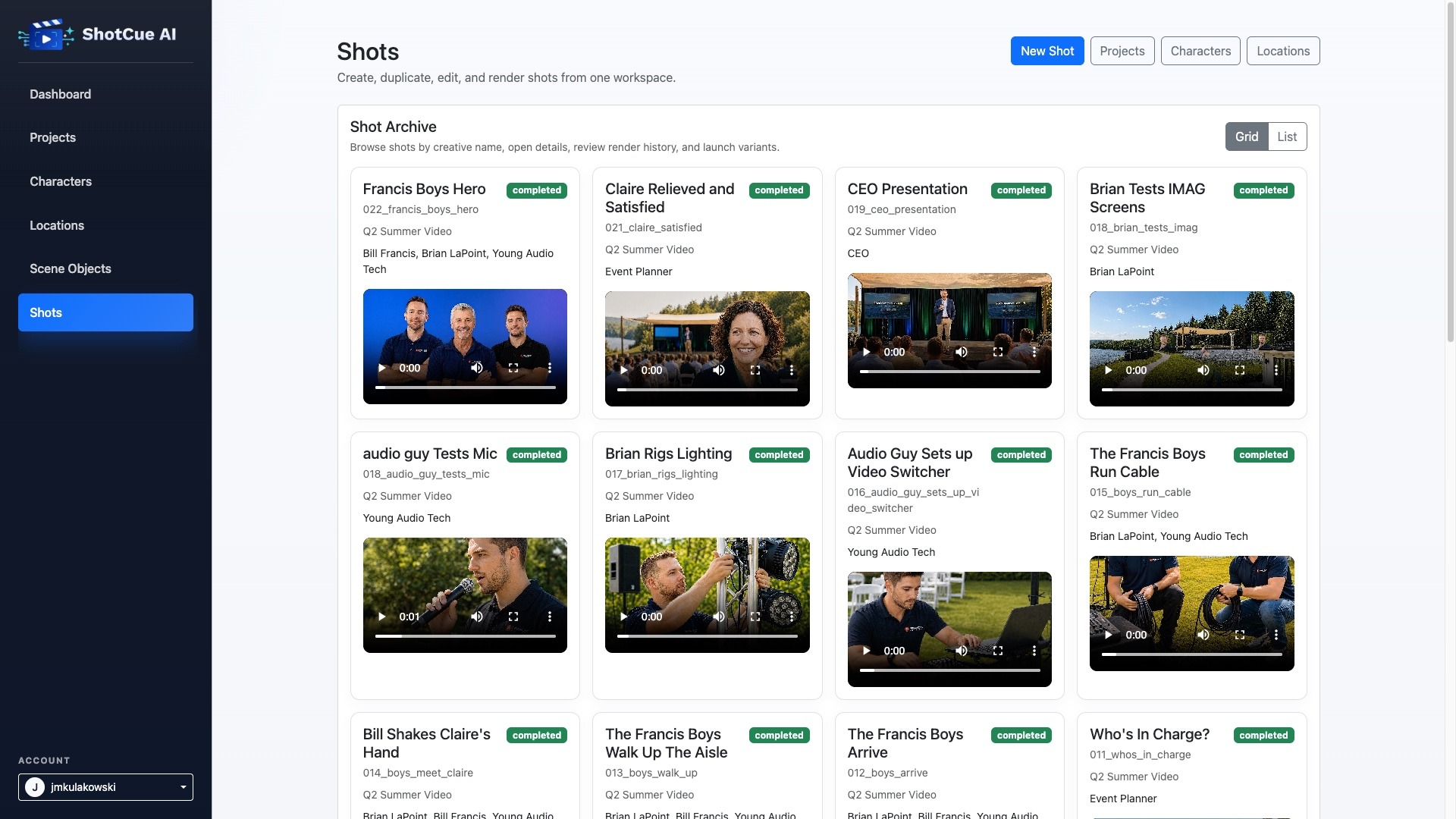
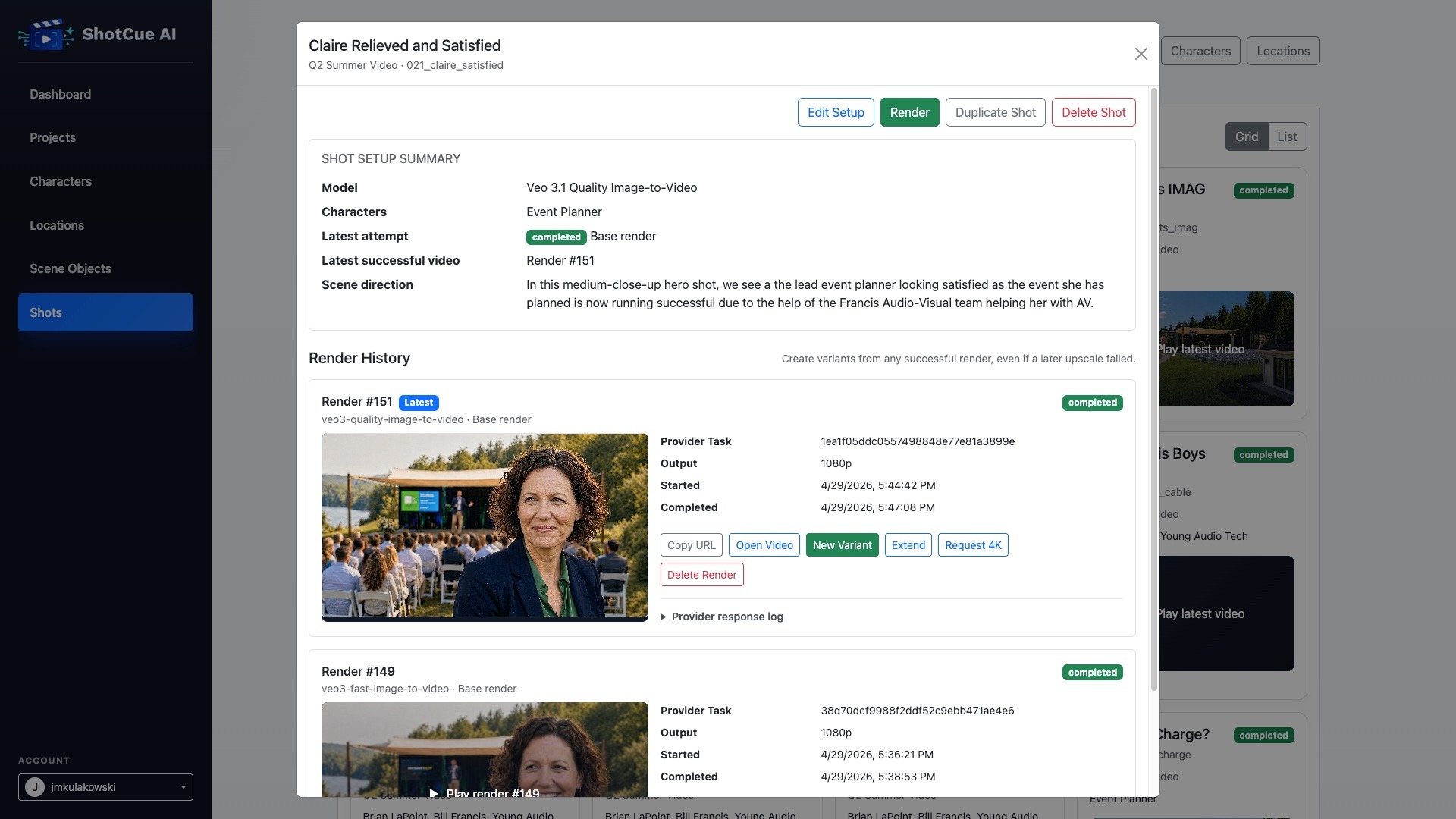
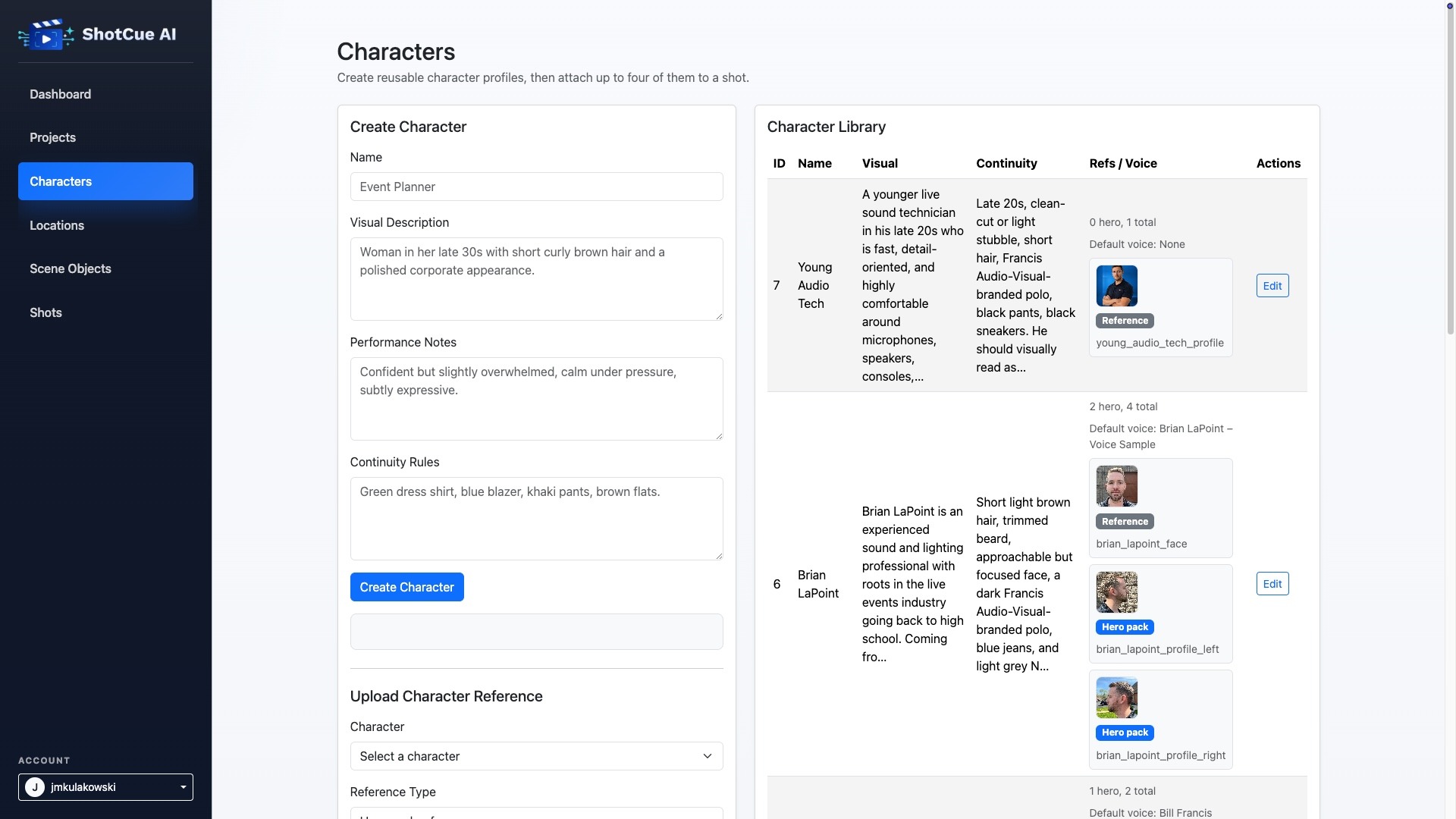
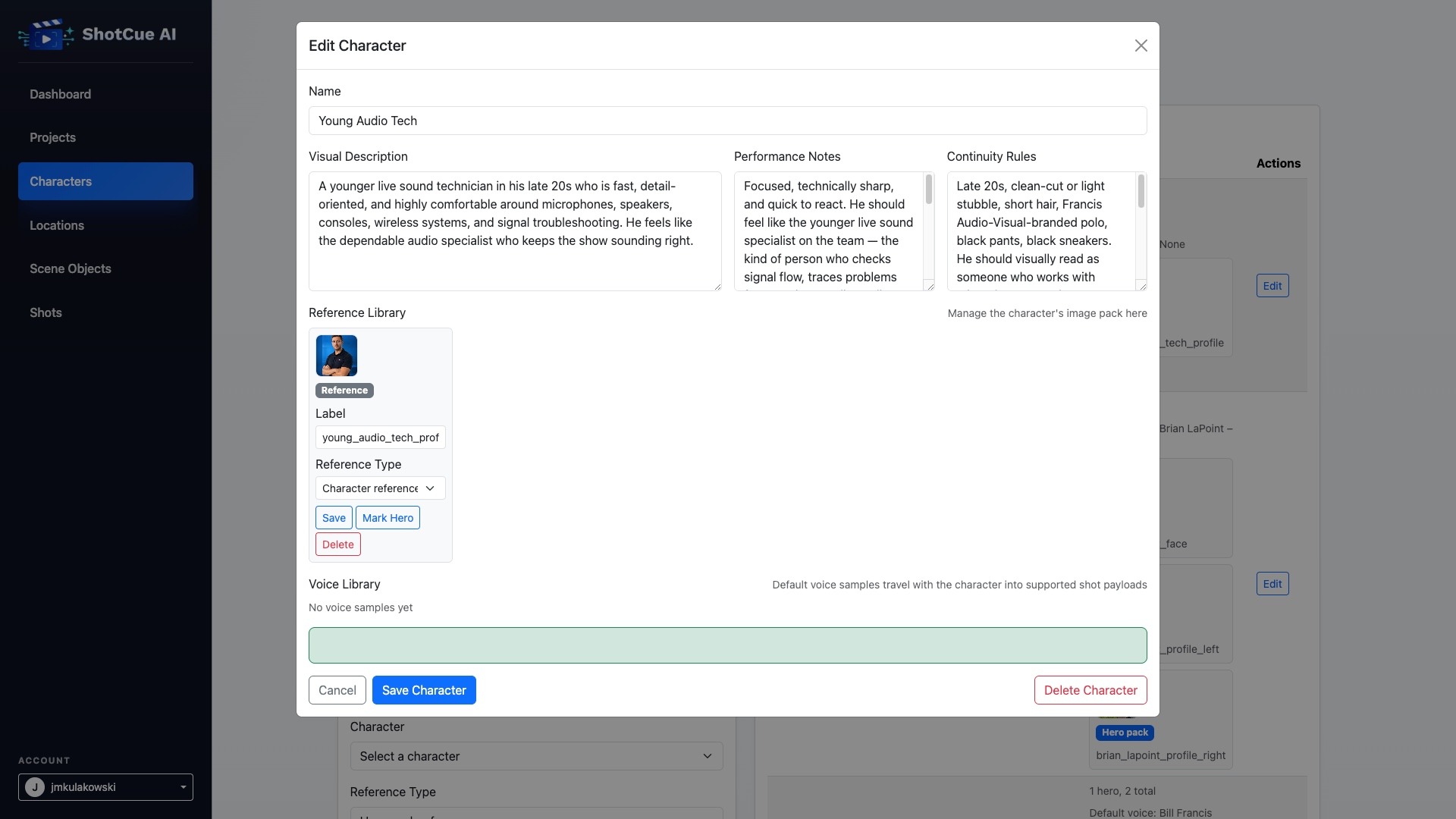
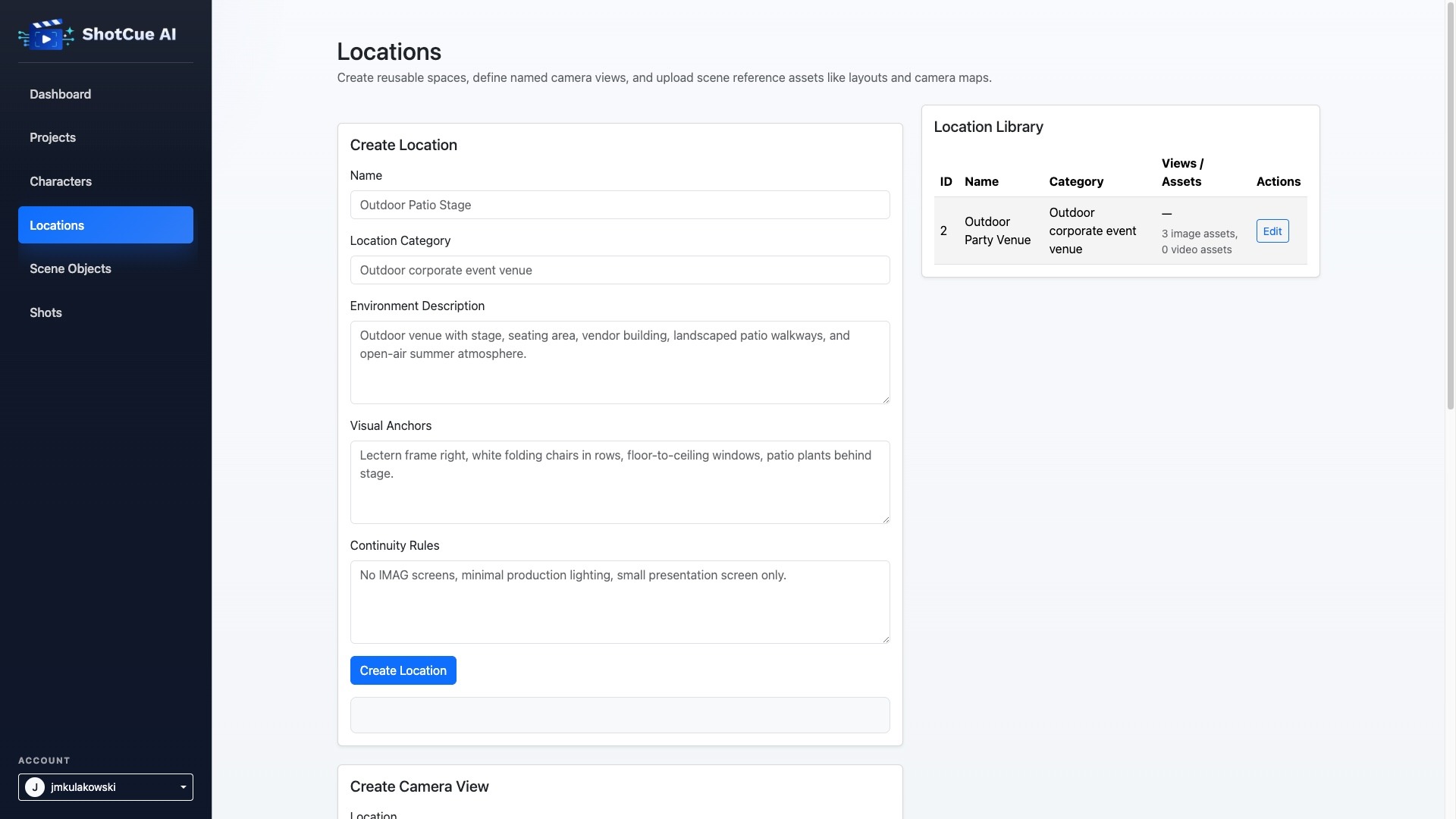
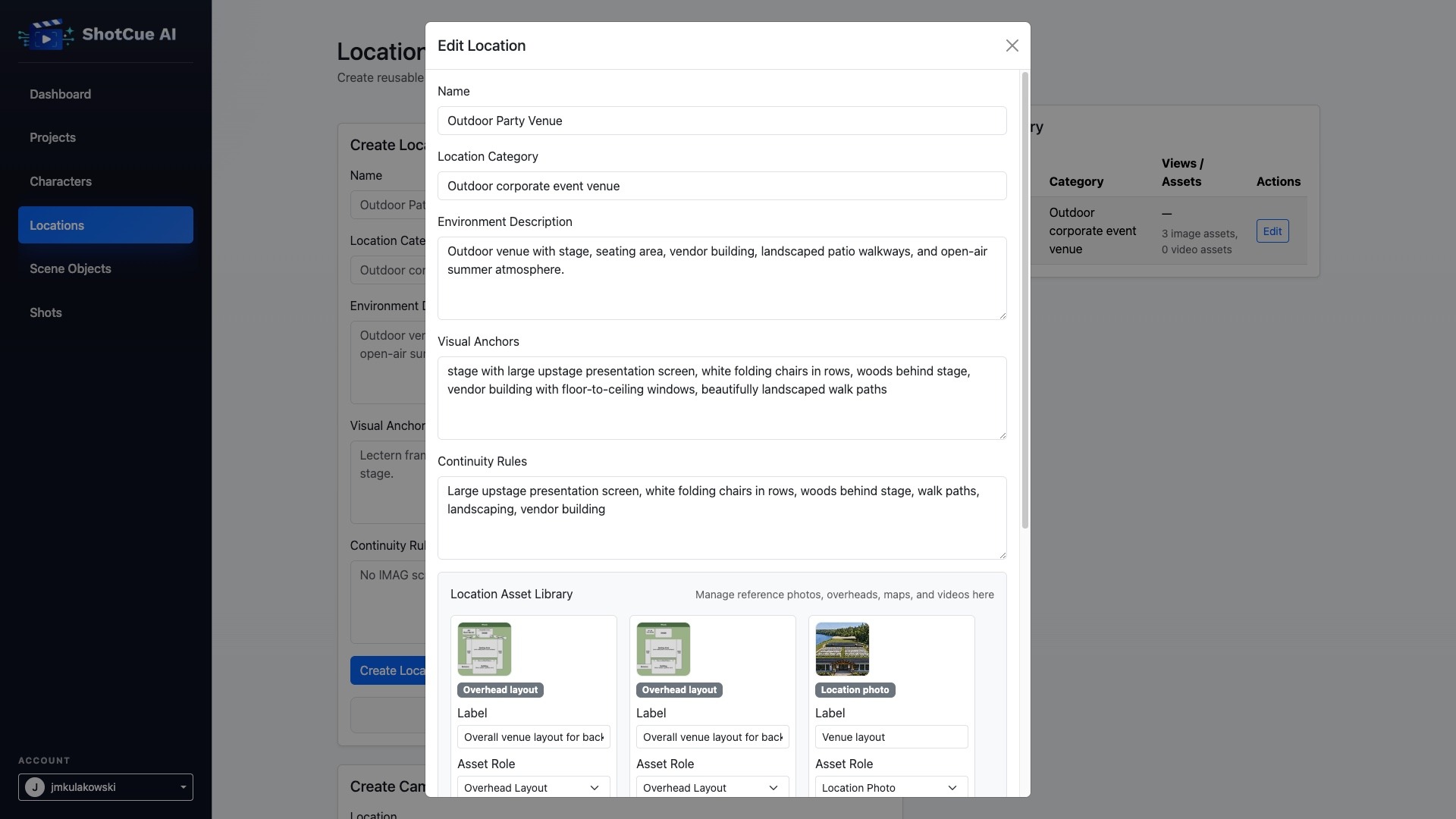
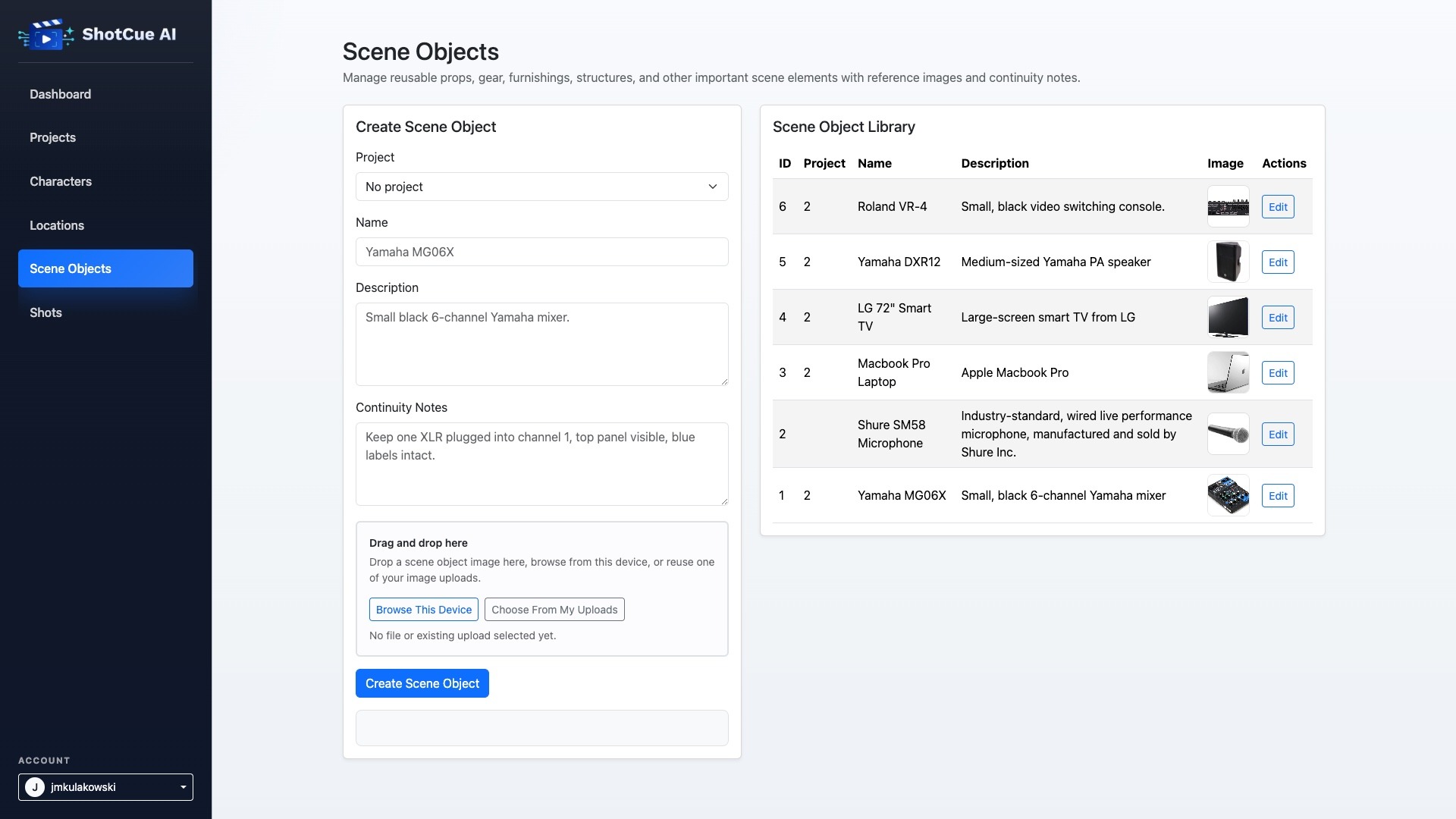
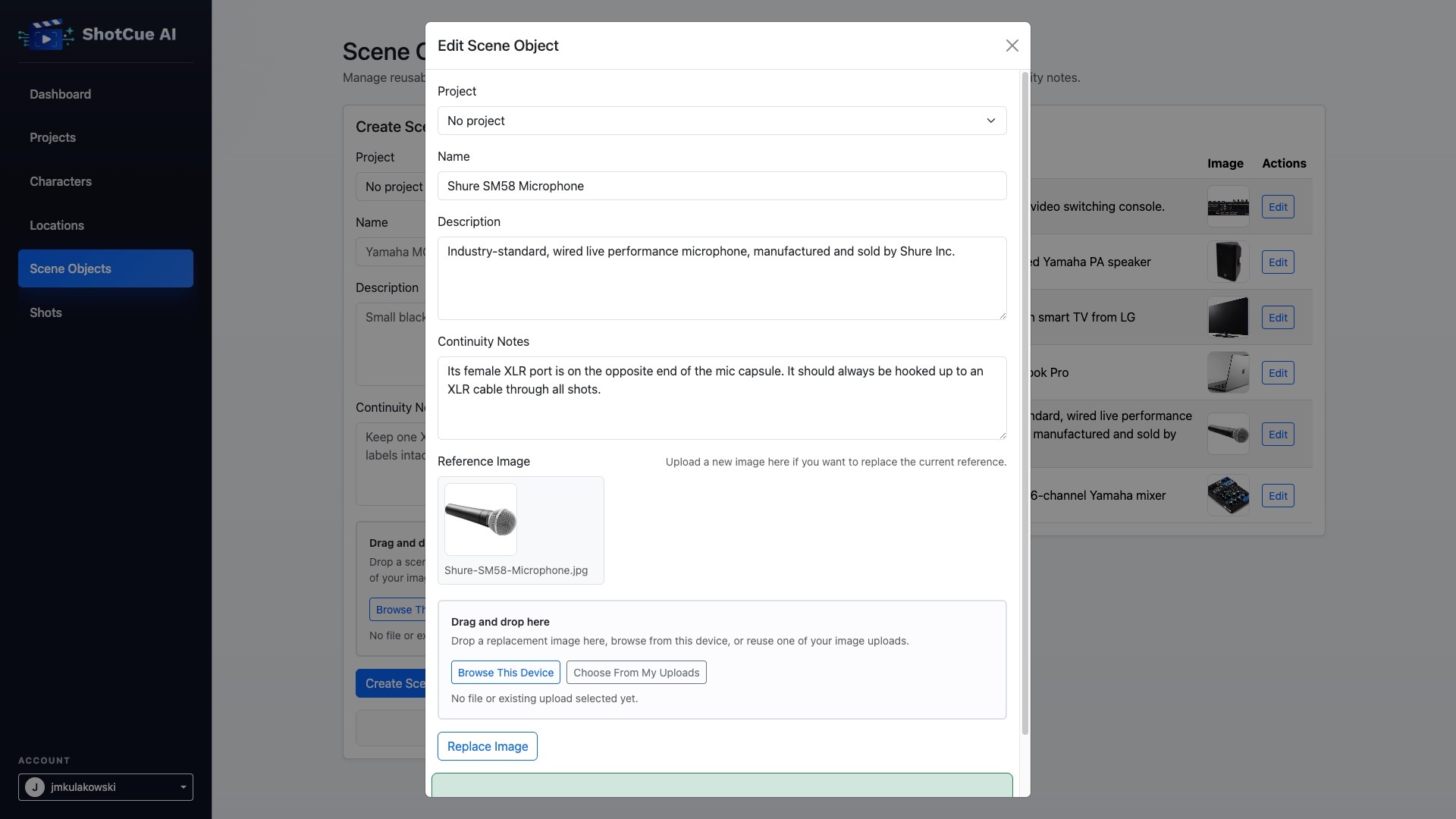
The project began while I was developing AI-generated video creative for a client campaign. I developed a storyboard with specific shots, character concepts, scene descriptions, and continuity requirements, and I needed a better way to carry that context from shot-to-shot, through multiple generations. Working directly across separate AI tools and browser sessions quickly became difficult. Prompts, reference images, outputs, and revisions became fragmented. Character appearance would drift between iterations, and I often had to restart a conversation just to restate what a character, location, or scene detail was supposed to look like. This became especially difficult when generating close-ups with specific expressions, actions, and staging requirements.
I built ShotCue AI to solve that problem. The app provides a protected web interface for organizing projects, characters, locations, scene objects, reference assets, and individual shots as structured production records rather than loose prompts. Each shot can carry its own direction while also pulling in reusable continuity context such as character descriptions with reference images and voice samples, location details, scene-object notes and reference images, and project-level creative intent. Instead of treating every render as an isolated request, the system keeps each shot connected to its references, request history, and generated outputs over time.
The core challenge is continuity across shots and iterations. ShotCue AI was designed to preserve production context in a form that can be reused reliably. A shot can reference characters, locations, scene objects, and supporting assets, and that context is assembled into a structured render payload and submitted through the Kie API to supported video generation models. This makes it easier to maintain visual consistency while still iterating on prompt language, model choice, or shot direction.
The tool was used in a real client LinkedIn campaign, where it supported the production of AI-generated video creative that could be deployed, measured, and compared alongside other campaign assets. The campaign generated 31,115 impressions, reached 13,855 people, and drove 557 LinkedIn-reported website visits. The strongest generated video asset achieved a 3.18% clickthrough rate. For me, that validated that the system was useful beyond a prototype. It held together under an actual production workflow and made it easier to move between generation approaches while preserving the broader creative context inside the app.
ShotCue AI reflects my broader interest in building software for creative production. It sits at the intersection of AI generation, product design, workflow architecture, and video production.
Technical Overview
ShotCue AI is built as a Node.js and Express application. Express owns the full runtime—page rendering, frontend assets, backend API routes, authentication, file handling, and callback processing all run through the same app.
The frontend uses server-rendered views with client-side JavaScript for project, shot, asset, and render interactions. The application includes routes for the dashboard, projects, characters, locations, scene objects, shots, login, frontend assets, protected API endpoints, public file URLs, and Kie callback handling.
The app supports both SQLite and MySQL. SQLite is used for local development, while MySQL is supported for persistent hosted deployments. This keeps the project lightweight during development while still providing a path to a more durable hosted environment.
The data model supports users, projects, shots, uploaded assets, callbacks, and render records. Uploaded reference images and downloaded render outputs are stored on disk, but the application serves them through stable app-owned file routes rather than exposing internal filesystem paths directly. This keeps saved URLs more durable and prevents the server storage layout from leaking into the UI, render metadata, or callback records.
Kie integration is handled through structured API requests and callback processing. The app can submit render jobs, receive status updates, optionally download completed render files locally, and associate output files with the correct project and shot.
Key Features
Protected web UI for managing AI video render workflows
Project creation and organization
Shot creation with prompt, model, duration, and production notes
Reference asset uploads tied to shots, characters, scene objects, and locations
Reference voice samples for characters
Render job submission through the Kie API
Callback handling for render status updates
Render history and output tracking
Optional local download of completed render files
Stable app-owned file routes for uploaded assets and completed renders
SQLite support for local development
MySQL support for persistent hosted deployments
First-account registration flow for initial setup
Session-based authentication
Optional API-key access path
Health endpoint for deployment diagnostics
Image-to-video safeguards that prevent render submission when a required reference image is missing
Security and Operations
ShotCue AI was developed with practical deployment and security concerns in mind. The app supports account-based authentication, signed session cookies, protected API routes, and environment-based configuration for secrets, database access, Kie API credentials, callback settings, and file storage paths.
For hosted deployments, the app can use MySQL instead of SQLite so users, projects, shots, and render history persist across redeploys. Uploaded reference images and downloaded render outputs can also be stored outside the deployment-reset area so production files are not lost when the app directory is replaced during re-deployment.
The system includes a `/health` endpoint for lightweight deployment diagnostics such as database configuration, authentication status, and user count. That made the app easier to debug across both local and hosted environments.
These choices helped move the project beyond a quick prototype. It became a working production tool with a clearer structure for authentication, storage, render tracking, file serving, and future expansion.
Related Projects
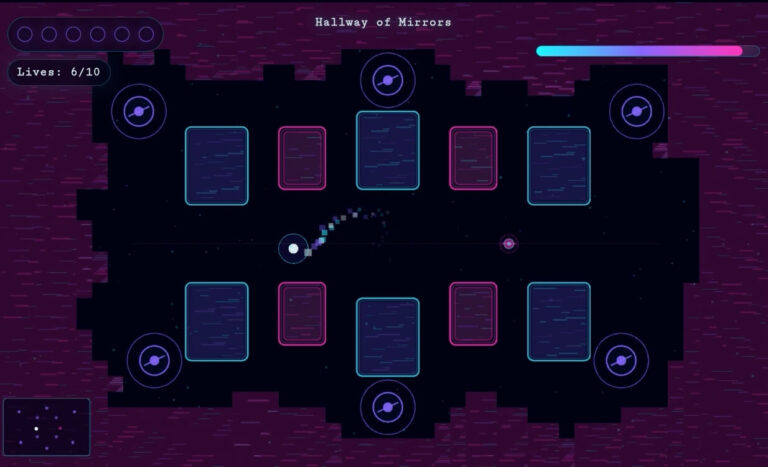
Frequency
2026
Phaser Game
Game Development, Producer, Product Design, Sound Design, Visual Design
Factor Commercials
2026
Ernie Clement Campaign
Production Sound
HourWise
2026
Time Tracking & Timesheet App
Product Design, UX/UI Design, Web Development

Accounting Hub
2025
Custom Finance Dashboard for Freelancers
Product Design, UX/UI Design, Web Development

Moodara
2025
Privacy-First Mood Tracking App
Product Design, UX/UI Design, Web Development

Forum Groningen’s Disney: Telling Timeless Stories
2023
Museum Exhibition
Production Sound, Voiceover
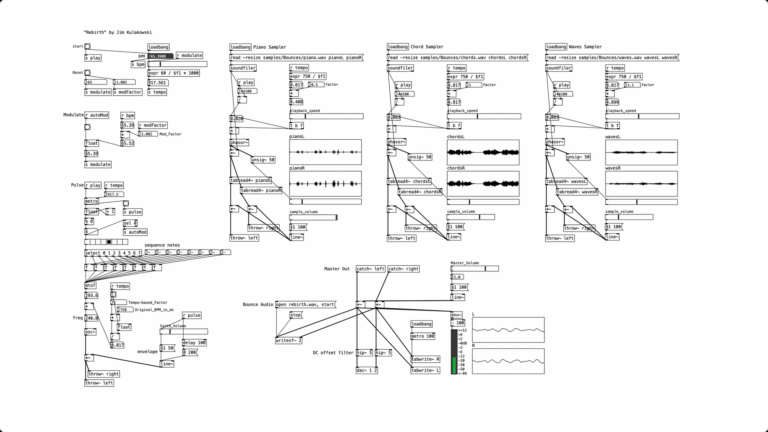
Rebirth
2022
Algorithmic Music
Algorithmic Composition, Music Composition, Sound Design

Microsoft Edge Awareness Campaign
2022
LinkedIn Video and Static Ads
Audio Production, Producer, Sound Design, Visual Design, Voiceover